 KINSMC
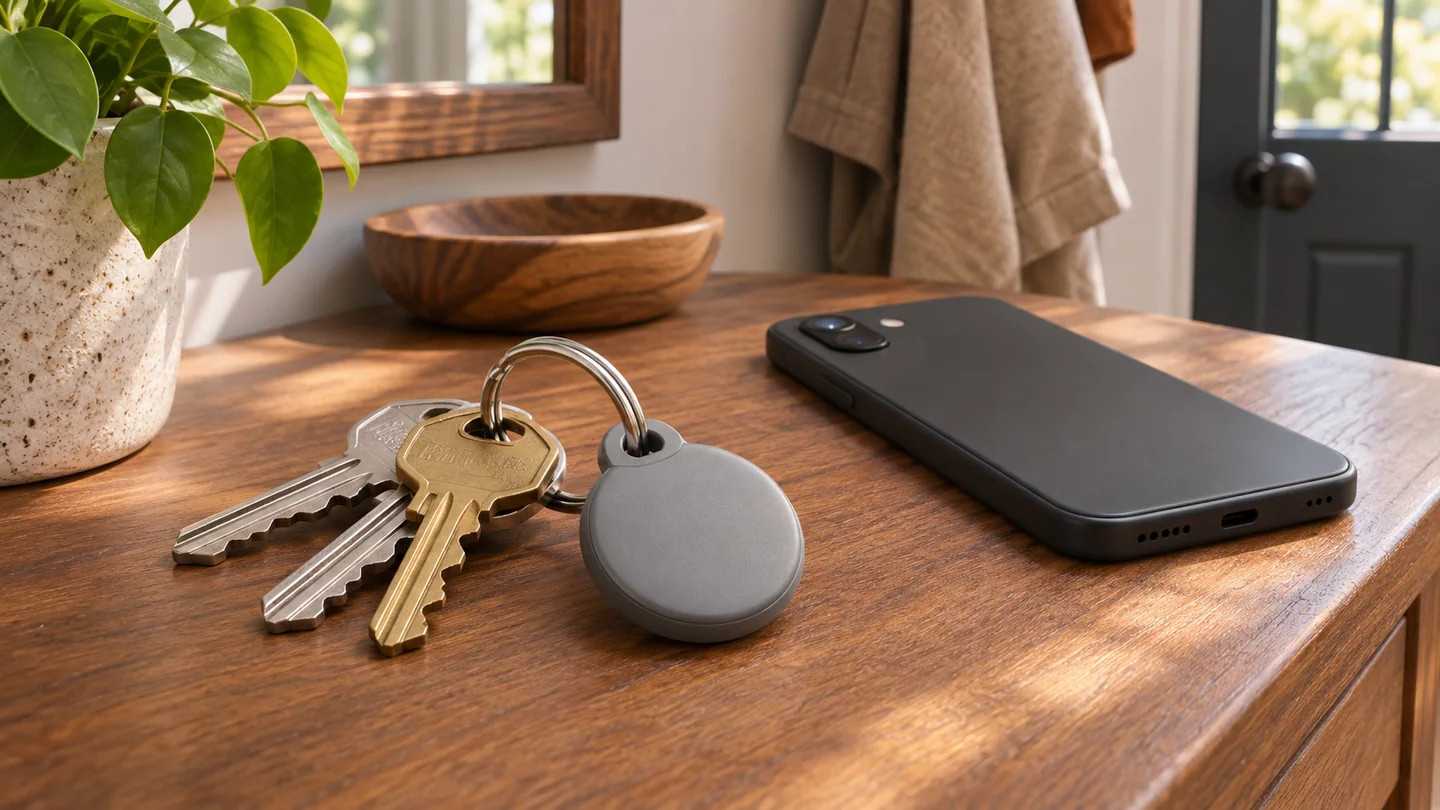
A key tracker has three different jobs. It needs to connect to your phone, give you a clue when the item is somewhere else, and help you find it when you get close. Google’s Pixel Tag uses Find Hub for those jobs, and the experience depends on the phone you carry and the settings you use. Someone who usually loses keys inside a flat has a different reason to buy one than someone who mainly wants a clue about a missing bag.
Google first introduced the tag on August 12. The Google’s November Pixel Drop announcement, published November 10, gave November 11, 2026 as the start of availability. For a purchase in the US or the UK, check the corresponding Google Store page for local stock and conditions.
Check the exact phone model before you order
Google’s store specifications list Android 9 or later. The fine print in Google’s Pixel Tag announcement and compatibility notes also specifies a compatible device with Bluetooth 6.0 or later for its introductory compatibility claim. The Android version is therefore only one part of the check. Google’s November update describes Android support broadly and gives no Bluetooth version in that footnote. If the official pages leave your particular phone unclear, look for confirmation from Google or the phone maker for that exact model before buying. An OS update can change your software version. The radio capabilities depend on the hardware and the phone’s implementation.
Look up your full model name and variant in the phone’s settings, then find its official specifications. Check both the listed Bluetooth version and whether it has ultra-wideband, commonly called UWB. Google says visual distance and direction for Precision Finding require compatible UWB support. The tag also lists Bluetooth Channel Sounding, but Google’s footnote is the practical requirement to use when deciding whether you will get its advertised directional guidance.
Match the finding mode to the item
For a key ring somewhere in the living room, the speaker is often the simplest feature to try. When the paired phone is within Bluetooth range, Google says you can open Find Hub and play a sound on the tag. If your phone and tag support Precision Finding, try the distance and direction display when you need more help narrowing the search. A ringtone can be enough in a quiet room. The display is more useful when a bag muffles the sound or several nearby spots could be the source.
A suitcase that has gone ahead of you is a different problem. The tag uses participating Android devices in the Find Hub network to help report a location when it is outside your phone’s Bluetooth range. How recently the tag was detected matters. If Find Hub shows a time alongside a location, read both before deciding where to look. A location at a terminal can help when speaking to the baggage desk. Use the airline’s baggage claim process and share what the app actually shows.
Try these checks before putting the tag on a bag
Start indoors with your own keys. Pair the tag, give it a recognizable name in Find Hub, and confirm that you can open its entry on the phone you expect to carry. Ask someone in your household to place the keys in a normal spot while you wait in another room. Try the ring control first, then use Precision Finding if it appears. Repeat with the keys in a closed bag to learn how easily you can hear the speaker through the material.
Then review the offline finding setting. Android Help on Find Hub network settings explains the differences between participating in busy places and participating more broadly, including in areas with less foot traffic. Read the options before changing them, and choose a setting that suits how you want your phone to take part in the network. Google’s Android Help on setting up lost-item recovery also walks through account and location settings that can affect recovery.
On a later walk, ask someone you trust to stay with the tagged item while you go out of range. Open Find Hub once you are away and record when the last reported location appeared. You can compare the result with a second check in a busier area if you want to understand how your local environment behaves. The point is to learn the difference between a nearby ring and a network report before you need either one.
What to buy for your use case
For everyday keys, prioritize a supported phone, a ring you can hear and a tag that fits your key ring. For luggage, check whether you can read and interpret the last reported location, then keep your bag label and claim details handy. For directional guidance around the home, verify UWB on your exact model before relying on arrows or distance. The Google Store US specifications and Google Store UK specifications list the tag’s specifications, including the replaceable CR2032 battery. If you are weighing up other connected devices too, our guide to checking compatibility for Matter over Wi-Fi and Thread gives you a similar way to check the hardware before buying.