 KINSMC
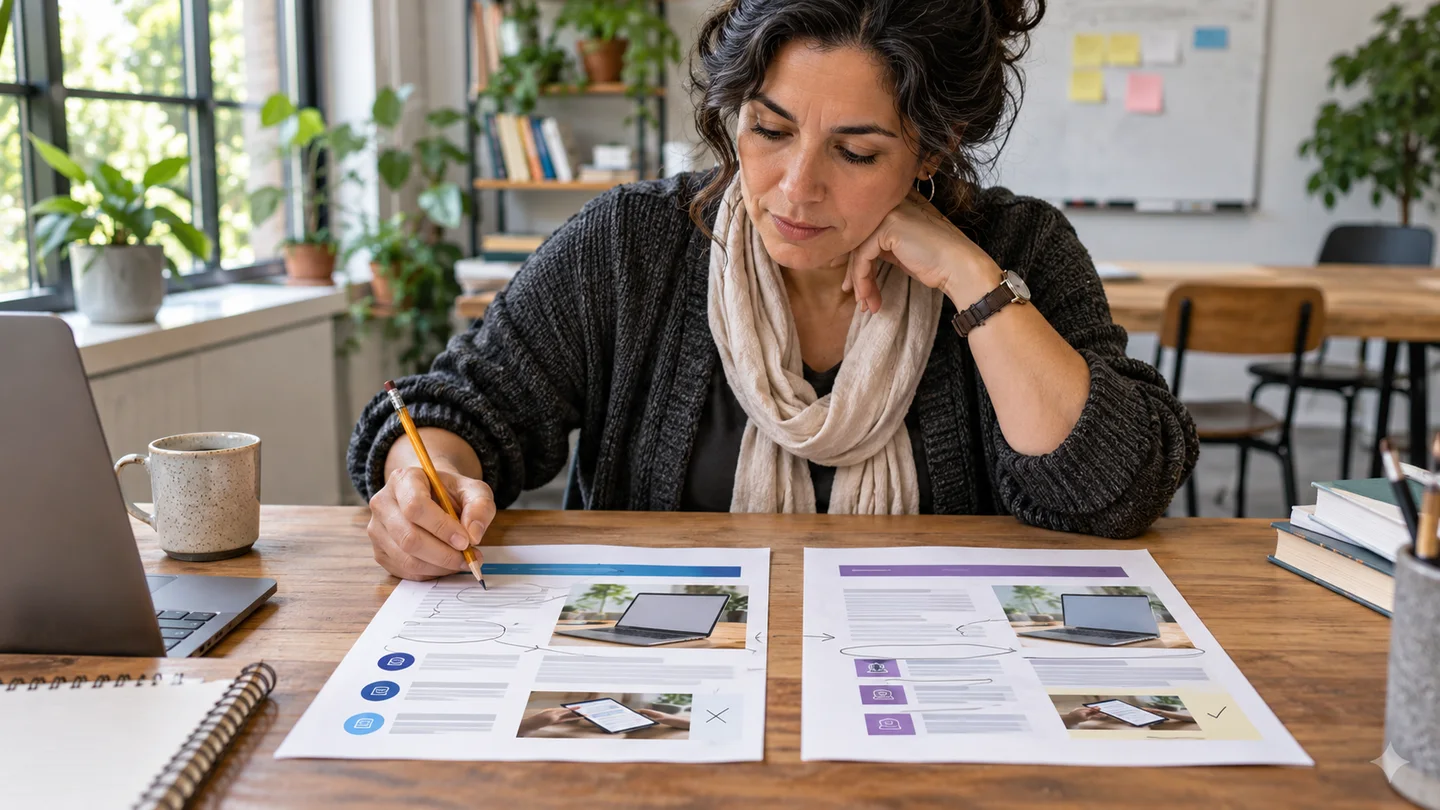
Give an AI tool your draft and one reader question, then ask it to show where the draft answers that question. Request observations tied to specific paragraphs and make the changes yourself. This works for a handout, a project update or a short article when you know something feels out of order and need a way to locate it.
The University of Wisconsin–Madison Writing Center teaches reverse outlining as a way to see the main points and organisation of an existing draft. The approach below combines that exercise with a simulated reader. The tool can give you a second reading of the structure, while a real reader remains the better test of whether the instructions make sense in use.
Set a reader task before you share the draft
Write one sentence describing what a reader should be able to do. For a fictional seed-swap handout, the reader should know how to label an envelope and where to leave it on arrival. That gives you a concrete test. “Make this more professional” gives a reviewer far more room to impose its own style. Save a copy of your first draft and number its paragraphs or sections so the feedback can refer to an exact place.
Use text you have permission to share, and remove details about customers, colleagues or unpublished projects when needed. A short excerpt can be enough. If you are reviewing a confidential document, you can do the reverse outline by hand and give the tool a fictional set of headings for practice. KINSMC has a separate guide to checking an AI tool’s data practices.
Ask for a reverse outline and one reader question
Try this prompt. “Read this as a first-time seed-swap attendee. For each numbered paragraph, state its main job in one sentence. Mark where I explain what to write on the envelope and where to put it on arrival. If either instruction is hard to find, ask one reader question and name the paragraph where you expected the answer. Keep the draft as written.”
Compare the outline with what you intended. You might see that paragraph one introduces the event, paragraph two describes its history, paragraph three gives drop-off instructions, and paragraph four explains the required label. A reader filling an envelope at home needs the fourth paragraph sooner. You could move the label requirements to the opening and put background under its own heading. If the model misreads a paragraph, first check whether the paragraph has two jobs or relies on a detail you never stated. Then decide whether the problem lies in the text or the generated reading.
Turn suggestions into decisions you can verify
Make three short columns for location, problem and action. For example, “Paragraph 4,” “label requirement appears after arrival steps,” and “move it before arrival instructions.” The issue should be visible in the draft. If the model suggests adding a drop-off table colour that you have never confirmed, check the event plan or leave the detail out. If it suggests cutting a line that tells newcomers they can attend without seeds, check with the organisers. That line may matter more to a first-time visitor than the model’s preference for brevity.
Set a limit for the first pass. Fix the two changes that make the reader’s task easier, then read the whole piece aloud. You can handle spelling and sentence length after moving or cutting paragraphs. Some polished lines will disappear when you change the structure, so proofreading them early can waste time.
Check whether the revision solves the original problem
Give the revised handout to someone who has never been to the event. Ask what they would write on an envelope and where they would go. Let them find the answer without pointing. If you are working alone, put the draft aside and return with a specific question, then see where your eyes land first. You can also ask the AI to locate the answer again in a fresh conversation. If the tool points to the right paragraph and a human still cannot find it, use the human observation to guide the next edit.
Keep one note about what changed and why. Over several drafts, that record can reveal where you repeatedly bury instructions or assume too much background. If you are still deciding what direction to take, the KINSMC guide to brainstorming with AI covers the earlier stage. Use this exercise once you have a draft and a reader task to test.
Source
University of Wisconsin–Madison Writing Center, Creating a Reverse Outline